Altaro Oops!Backup > Powerful & Easy Backup Software
Altaro's advanced features such as ReverseDelta, BackInTime Technology and Continuous Data Protection (CDP) makes it ideal for users that store data directly on laptop and desktop PCs.
| BackInTime - A Time Machine for Windows | |
| BackInTime technology is unique to Oops!Backup. It enables you to travel back in time to find and recover changes made to your documents, photos and any other files at any point in time. Imagine having a time machine for Windows that allows you to view the state of all your files at any point in time! | |

| ReverseDelta™ to Save Space | |
| Using its ReverseDelta™ incremental technology, Oops!Backup will only back up the actual changes you make to a file – without needing to back up the whole file again every time you make a change. | |
| Double Protection with Backup Drive Redundancy |
|
| Automatically keep a double-backup to protect against theft, fire or losing of your backup drive. | |
| Backup to your existing external hard drive | |
| You do not need to buy a separate external hard drive just for backups. Oops!Backup can make use of your existing external hard drive or optionally backup to your USB pen drive. | |
| Continuous Data Protection | |
| Highly tuned file-change-detection technology makes sure that you are protected at all times. | |
| Plug & Protect – A Bonus for People on the Move | |
| The Plug & Protect feature detects when you connect the external drive to your computer and automatically backs up your files to your external drive without needing any action from you. | |
| Back Up Files that are in use | |
| Oops!Backup integrates with Microsoft Volume Shadow (VSS) technology. This integration allows Oops!Backup to automatically back up files that are currently open and in use such as PST files. | |
| Backup to your network or NAS drive using UNC paths | |
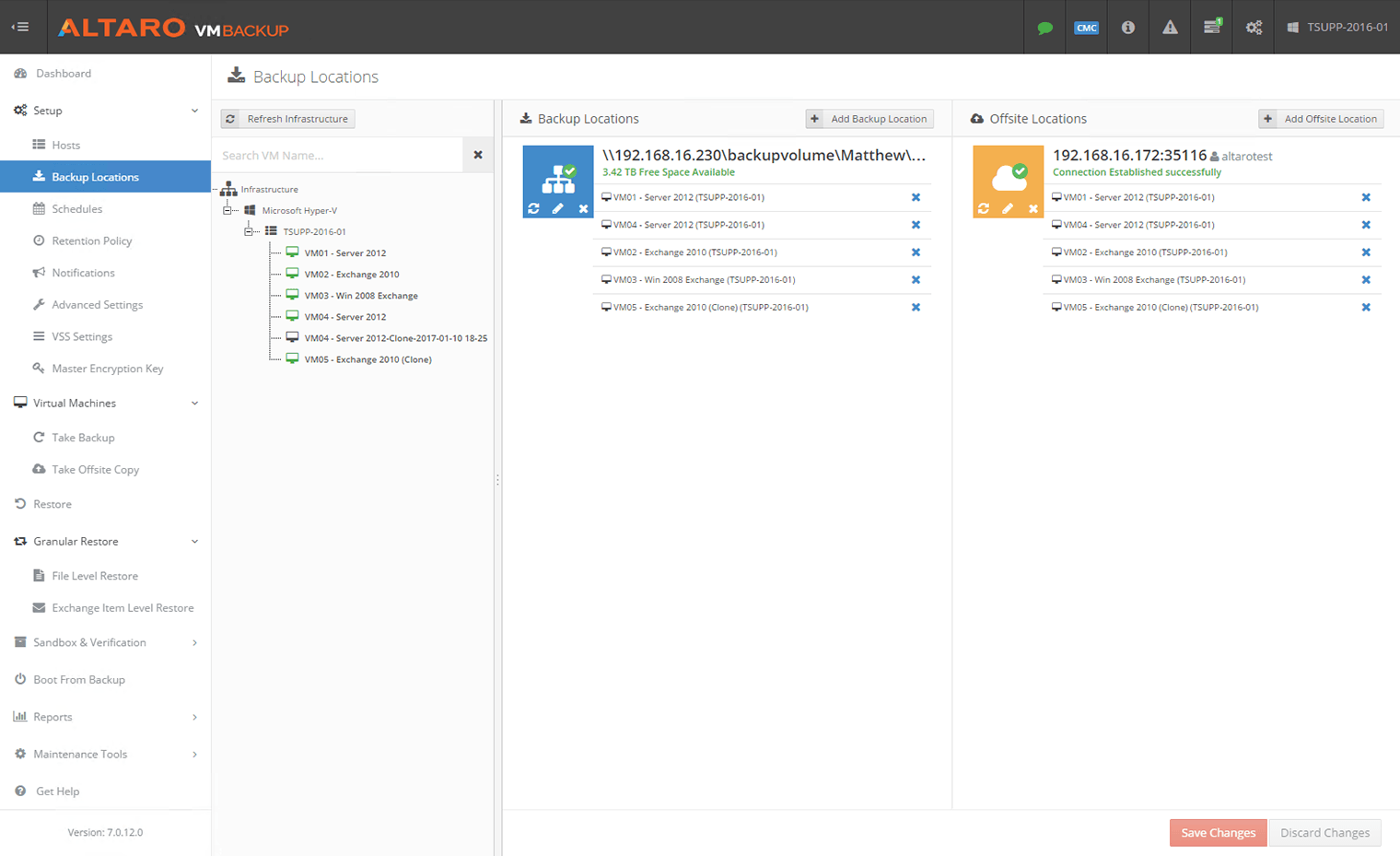
| If you have a network drive or a NAS then you can backup directly to it by mapping the network location to your computer. With this you can have multiple Oops!Backup installations backing up to a central server. | |
| Supports Windows 7, Vista & XP (32 and 64 bit) | |
| Oops!Backup works with Windows 7, Vista and XP. |