- Overview & Features
- What's New in V3?
- Screenshots
- ReverseDelta Technology
- Download Free Edition
- Download Unlimited Edition
- Compare Editions
- Pricing
- PDF Datasheet (.pdf)
- Buy Altaro Hyper-V Backup

Customer Testimonials
-
"I just did my first restore yesterday, went perfect! Super fast!"
Patrick Ford, Stephens Pipe & Steel, LLC
-
"Just wanted to say that I am loving your Hyper-V software so far. I love how simple everything is, it just works first time everytime!"
David Wilson, IT Manager, Belgrave Heights Christian School
What's New in Altaro Hyper-V Backup V3
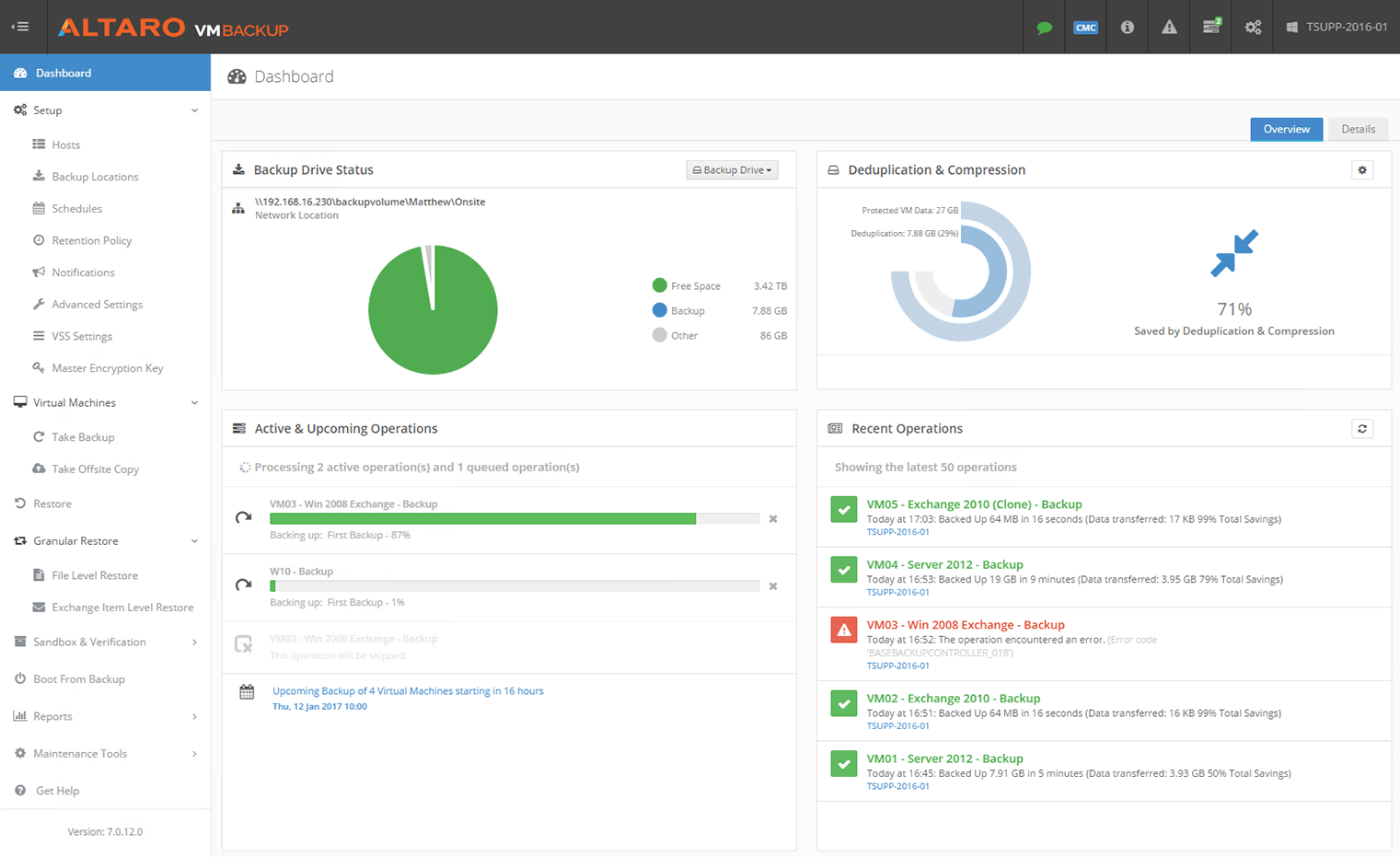
Hyper-V Backup in 5 clicks - Hyper Easy, Hyper Fast, Hyper Effective
A powerful Hyper-V aware backup solution that easily backs up Microsoft Hyper-V Virtual Machines. Take the guesswork out of backing up Hyper-V, you won’t find an easier to use or quicker to configure solution.
-
Central CSV Cluster Management in Backup
When on a cluster the installation will automatically detect configure all nodes from a single console.
All VM backups, restores and configuration can be done from one centralized console. The VMs across all nodes will be backed up to a single backup target such as a USB drive, NAS, SAN etc.
When on a cluster, and a VM moves from one node to another, the new version 3 will detect this automatically and the VM will be backed up anyway – all without admin intervention.
-
Backup Drive Swap Rotation
As from V3 customers can now use the new Drive Swap functionality. The new Drive Swap functionality allows the customer to rotate backups drives on a daily basis. The drive swap works with USB, SATA and eSATA drives.
These backup drives will be organised by a user defined priority and the active backup drive will be swapped accordingly.
-
CSV Aware Scheduled Groups
The Schedule Groups allow for easier and much more flexible backup schedules. Instead of configuring a schedule for each VM the admin can now create a Schedule Group and then assign VMs to the Schedule Group. All backups will be queued automatically.
When in a cluster environment the Schedule Groups analyzes the CSVs and will group VMs on the same CSV together in order to decrease time required in Redirected Mode.
The new Schedule Groups allow for more advanced scheduling features, such as monthly recurrence.
-
A 300% Increase in Backup Performance with the new ReverseDelta
With the new ReverseDelta we bring a phenomenal increase in backup performance on incremental backups. Incremental backups will be at a minimum 300% faster.
When backing up over a network the new ReverseDelta will automatically detect network connectivity issues and through a series of retries it will wait for the network to stabilize and will then continue the backup.
-
Live Backups of Linux VMs
Now we have a new feature where the customer can back up a Linux VM without Saving and Resuming the VM. This would take a hot backup of the VM. Please note that this would be a crash consistent backup since the OS in the VM is not VSS-aware. This feature can be enabled from the VM advanced tab in the Altaro VM Settings Window.